Android
TiviMate IPTV Player
The best IPTV player for Android devices and Firestick. Sleek interface with advanced features like EPG, catch-up TV, and recording capabilities.
Learn More →Discover the top IPTV players for streaming live TV, movies, and sports. Compare features, compatibility, and performance across Firestick, Smart TV, Android, iOS, and more.
An IPTV player is a software application that allows you to stream live TV channels, movies, and on-demand content over the internet. Unlike traditional cable or satellite TV, IPTV players use internet protocol to deliver content directly to your device.
These players support various formats including M3U playlists, Xtream Codes API, and Stalker portals. They work on multiple devices such as Smart TVs, Android boxes, Firestick, iOS devices, and computers, making them versatile solutions for modern streaming needs.
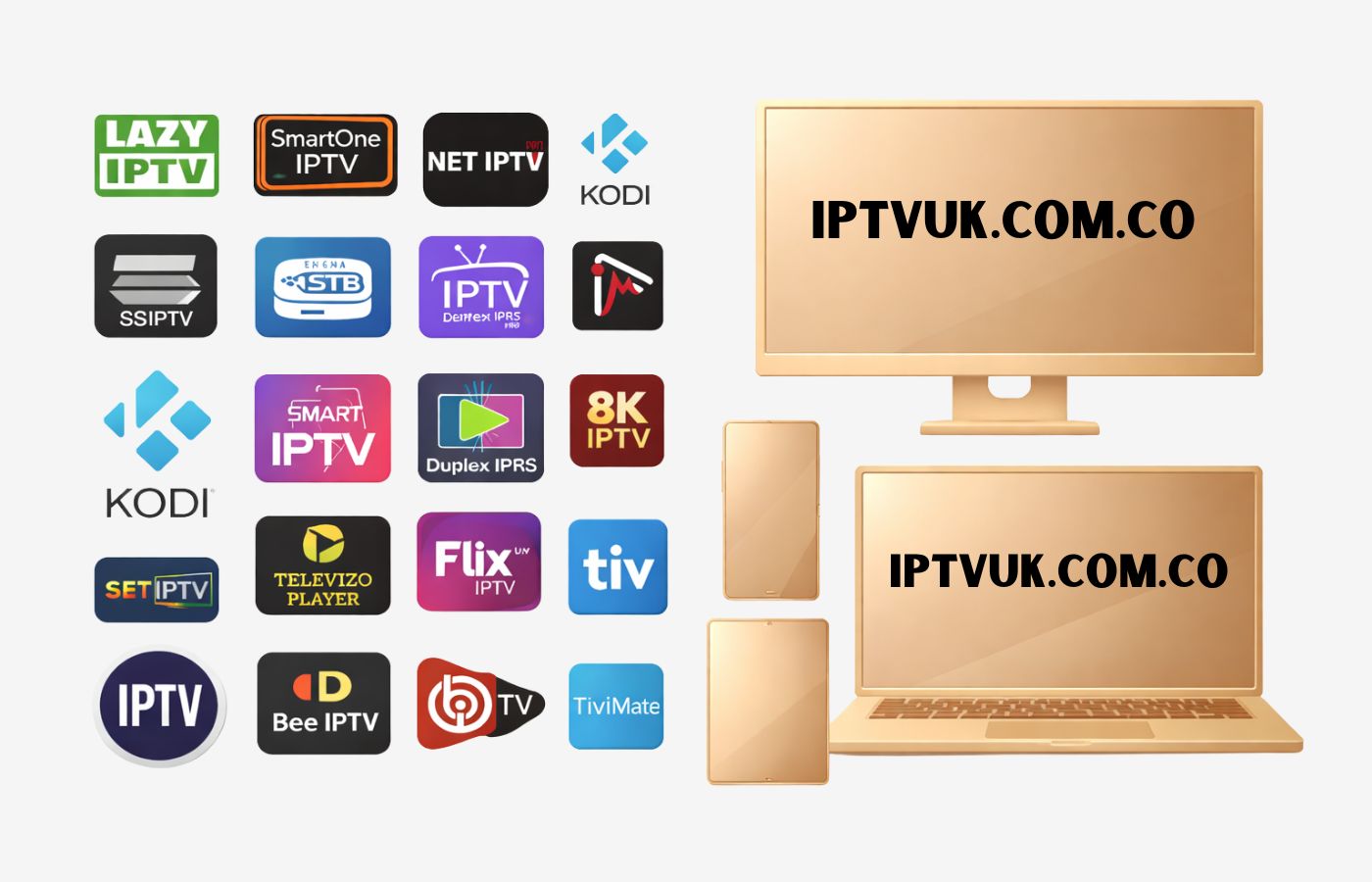
An IPTV player is an application that enables you to stream TV channels, movies, and on-demand content over the internet. However, it's important to understand that the player itself does not provide any content. Instead, it requires an M3U playlist URL, Xtream Codes API, or other IPTV credentials from an external IPTV service.
When you load a playlist or login details into the player, it connects to the IPTV service's server and retrieves the streams, allowing you to watch live TV or VOD (Video on Demand) content. Think of an IPTV player like a television set without channels — it needs a connection to a content source to display anything.
Stream live TV, movies, and series from your IPTV provider
Organize channels with EPG (Electronic Program Guide)
Support for multiple playlists and IPTV sources
Playback controls like pause, rewind, and fast forward
Compatibility with Smart TVs, Android boxes, Firestick, and mobile devices
Download and offline viewing capabilities (on supported players)
The best IPTV player for Android devices and Firestick. Sleek interface with advanced features like EPG, catch-up TV, and recording capabilities.
Learn More →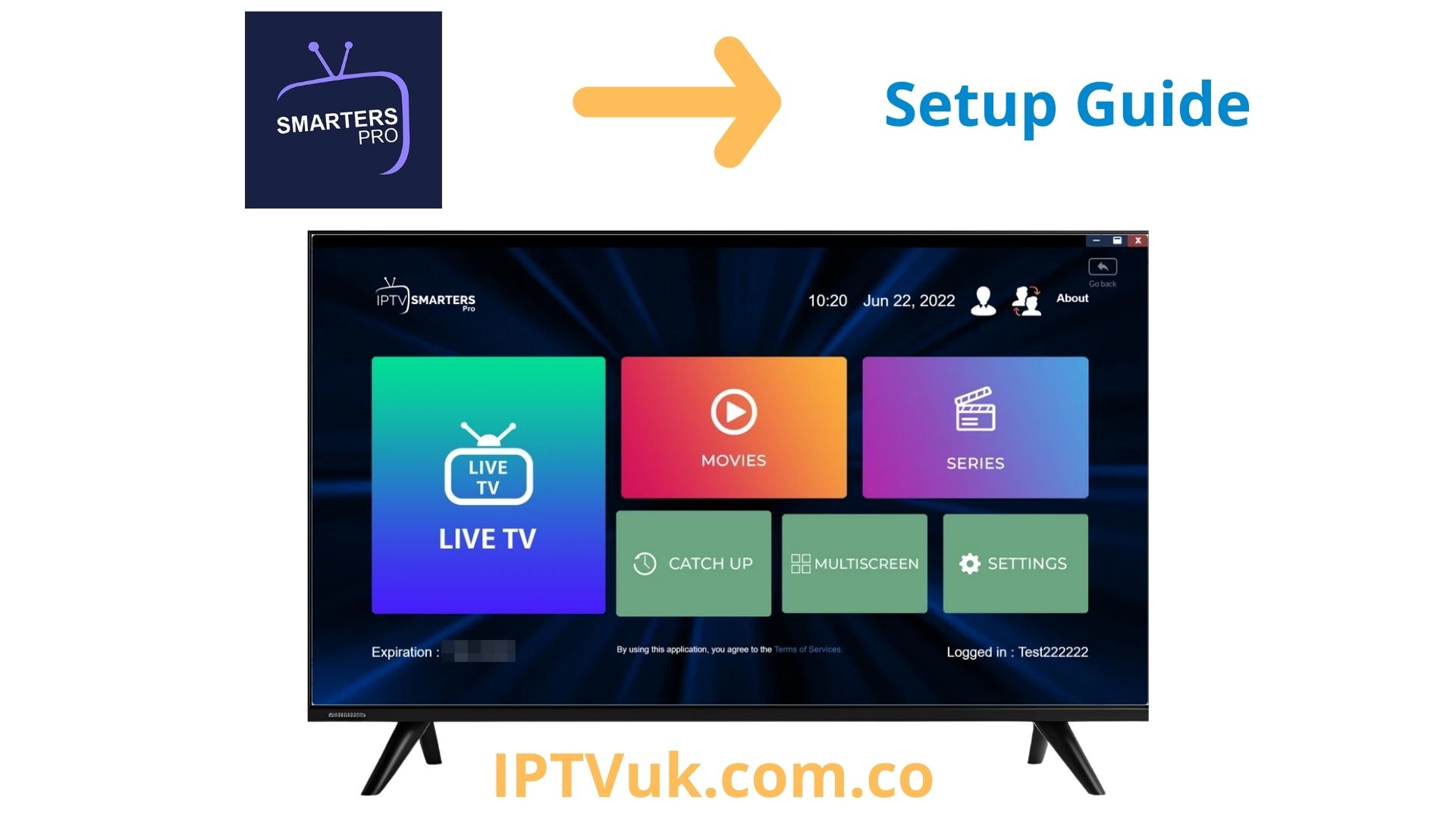
Cross-platform IPTV player working seamlessly on Android, iOS, Smart TVs, and web browsers. Perfect for users with multiple devices.
Learn More →
Lightweight yet powerful IPTV player for Android. Ideal for older devices with minimal resource usage without compromising features.
Learn More →
Free, open-source media player supporting IPTV through M3U playlists. Works on virtually every platform with extensive format support.
Learn More →
The go-to IPTV player for iOS users. Available on iPhone, iPad, and Apple TV with premium streaming experience and EPG support.
Learn More →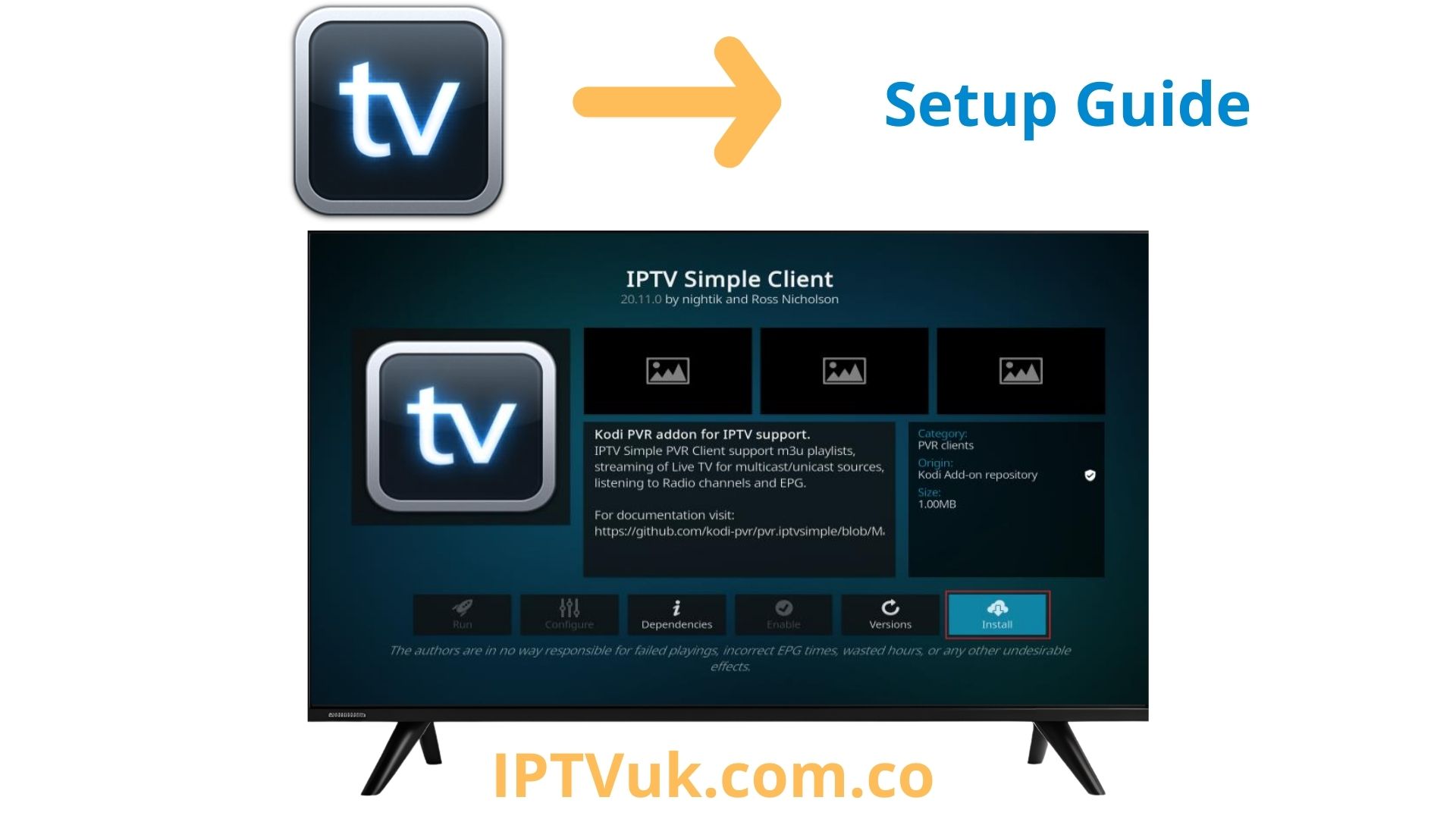
Powerful open-source media center with PVR IPTV Simple Client addon. Extensive customization for advanced users on all platforms.
Learn More →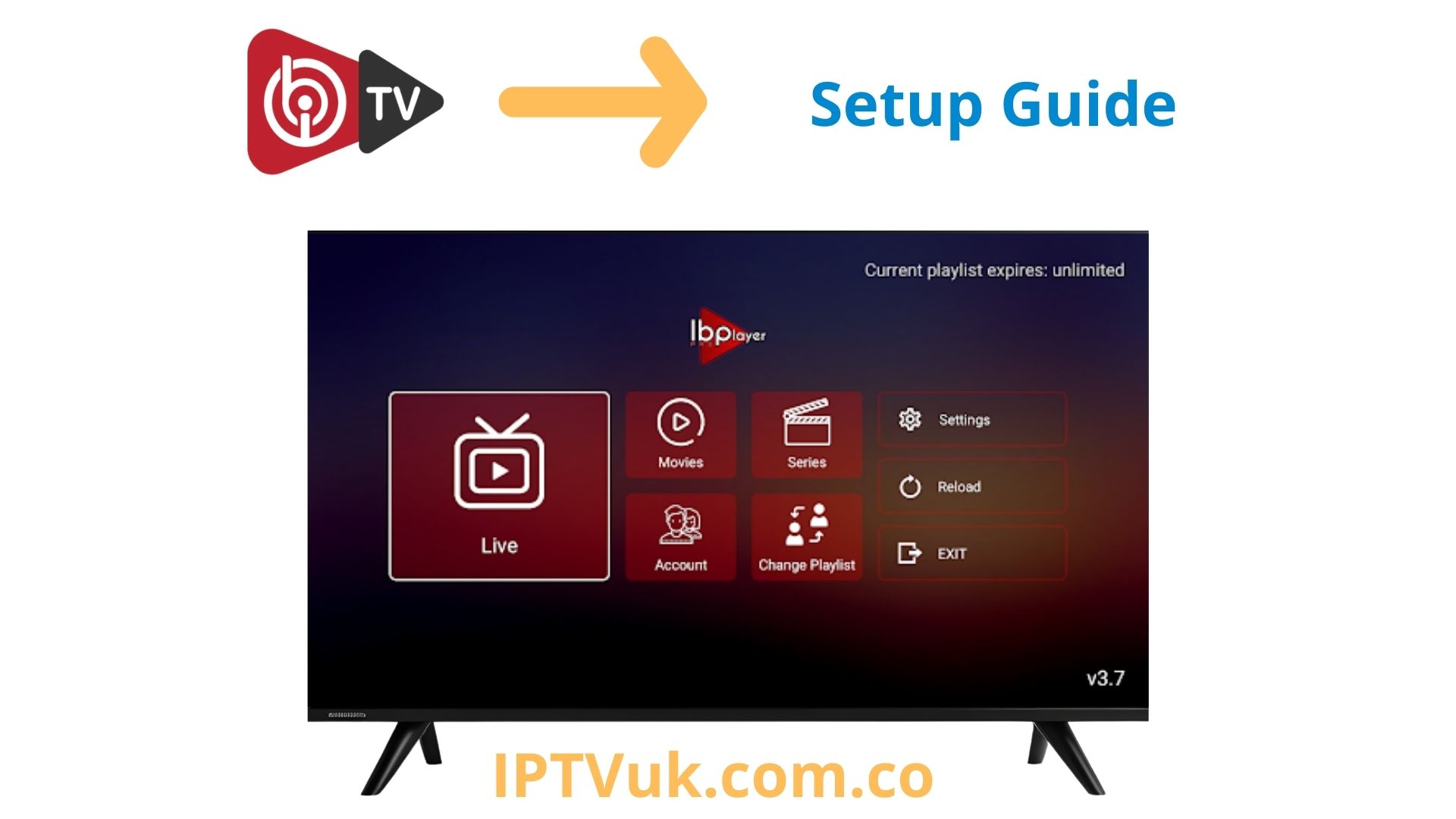
Modern IPTV player with cross-platform support. Features recording, catch-up TV, and intuitive interface for Android, iOS, and Smart TV.
Learn More →Consider what device you'll be using. TiviMate excels on Android and Firestick, GSE Smart IPTV is best for iOS, while IPTV Smarters Pro offers cross-platform support.
Think about essential features: EPG support for TV guides, catch-up TV for missed programs, recording capabilities, or multi-screen viewing for multiple users.
If you're new to IPTV, choose a player with an intuitive interface. IPTV Smarters Pro and GSE Smart IPTV are beginner-friendly, while Kodi offers more customization.
Ensure your chosen player supports your IPTV provider's format. Most services use M3U playlists or Xtream Codes API. Check compatibility before committing.
Yes, IPTV players are 100% legal. These applications are simply media players designed to stream content over the internet. They function similarly to VLC Media Player or any other video player on your device. IPTV players do not host, create, or distribute any content themselves — they are merely tools that allow you to access streams from external sources.
The legality question arises not from the player itself, but from the content source you connect to. Using an IPTV player with a legitimate, licensed service provider is completely legal. However, accessing pirated or unlicensed content through these players violates copyright laws in most jurisdictions worldwide.
Legal IPTV streaming occurs when you watch content from providers who have obtained proper broadcasting rights and licenses for the channels, movies, and shows they distribute. These legitimate services operate under strict regulatory compliance and pay content creators and rights holders for the material they stream.
Examples of legal IPTV services include major platforms like YouTube TV, Hulu + Live TV, Sling TV, and other officially licensed streaming services. These providers have transparent business models, clear terms of service, and operate openly within legal frameworks.
Be cautious of IPTV services that exhibit these warning signs:
Before subscribing to any IPTV service, verify these essential factors:
Even when using legal IPTV services, it's important to protect your privacy and security online. Here are essential safety measures:
Use a Reputable VPN: A Virtual Private Network encrypts your internet connection and protects your privacy from hackers, ISP tracking, and potential data breaches. Choose established VPN providers like NordVPN, ExpressVPN, or Surfshark. Note: Using a VPN for privacy is different from using it to hide illegal streaming activity.
Download from Official Sources Only: Install IPTV players exclusively from verified app stores — Google Play Store for Android, Apple App Store for iOS, Amazon Appstore for Firestick, or the official developer website. Avoid third-party APK files or unofficial sources that may contain malware, spyware, or viruses.
Keep Software Updated: Regularly update your IPTV player apps and device operating systems. Updates include critical security patches that protect against vulnerabilities, fix bugs, and improve overall performance and stability.
Use Strong Passwords: Create unique, complex passwords for your IPTV accounts. Enable two-factor authentication (2FA) when available to add an extra layer of security against unauthorized access.
Research Before Subscribing: Thoroughly investigate any IPTV service before providing payment information. Read independent reviews, check online forums, and verify the provider's legitimacy through multiple sources.
Monitor Your Accounts: Regularly check your bank statements and credit card activity for any unauthorized charges. If you notice suspicious activity, contact your financial institution immediately.
Using unlicensed IPTV services can result in serious legal consequences depending on your country's laws. Potential penalties include:
IPTV technology itself is legal and represents the future of television streaming. The key to staying on the right side of the law is ensuring you only use licensed, legitimate IPTV services that have proper content distribution rights. While illegal services may seem attractive due to low prices and extensive channel offerings, the risks far outweigh any potential savings.
By choosing legal IPTV providers, using trusted IPTV players, and following security best practices, you can enjoy high-quality streaming entertainment safely, legally, and with peace of mind. Always prioritize legitimate services that compensate content creators and operate within the law.
TiviMate is widely considered the best IPTV player for Firestick due to its optimized interface, EPG support, and smooth performance on Amazon devices. IPTV Smarters Pro is also an excellent alternative with cross-platform support.
Yes, IPTV players themselves are completely legal. They are simply software applications for streaming content. However, the legality depends on the content you access through them. Always use licensed IPTV services with proper content distribution rights.
Yes, you can install and use multiple IPTV players on the same device. This allows you to compare features and choose your favorite. Each player operates independently and won't interfere with others.
While not required, using a VPN is recommended for privacy and security. A VPN encrypts your connection, protects your identity, and can prevent ISP throttling, ensuring smoother streaming performance and better privacy.
M3U is a simple playlist file format containing channel URLs. Xtream Codes API is a more advanced protocol offering better organization, EPG integration, VOD management, and catch-up TV features. Most modern IPTV players support both formats.
Some IPTV players like TiviMate Premium and Kodi support recording functionality. However, this feature depends on both the player's capabilities and your IPTV provider's support for recording. Check with your provider before relying on this feature.